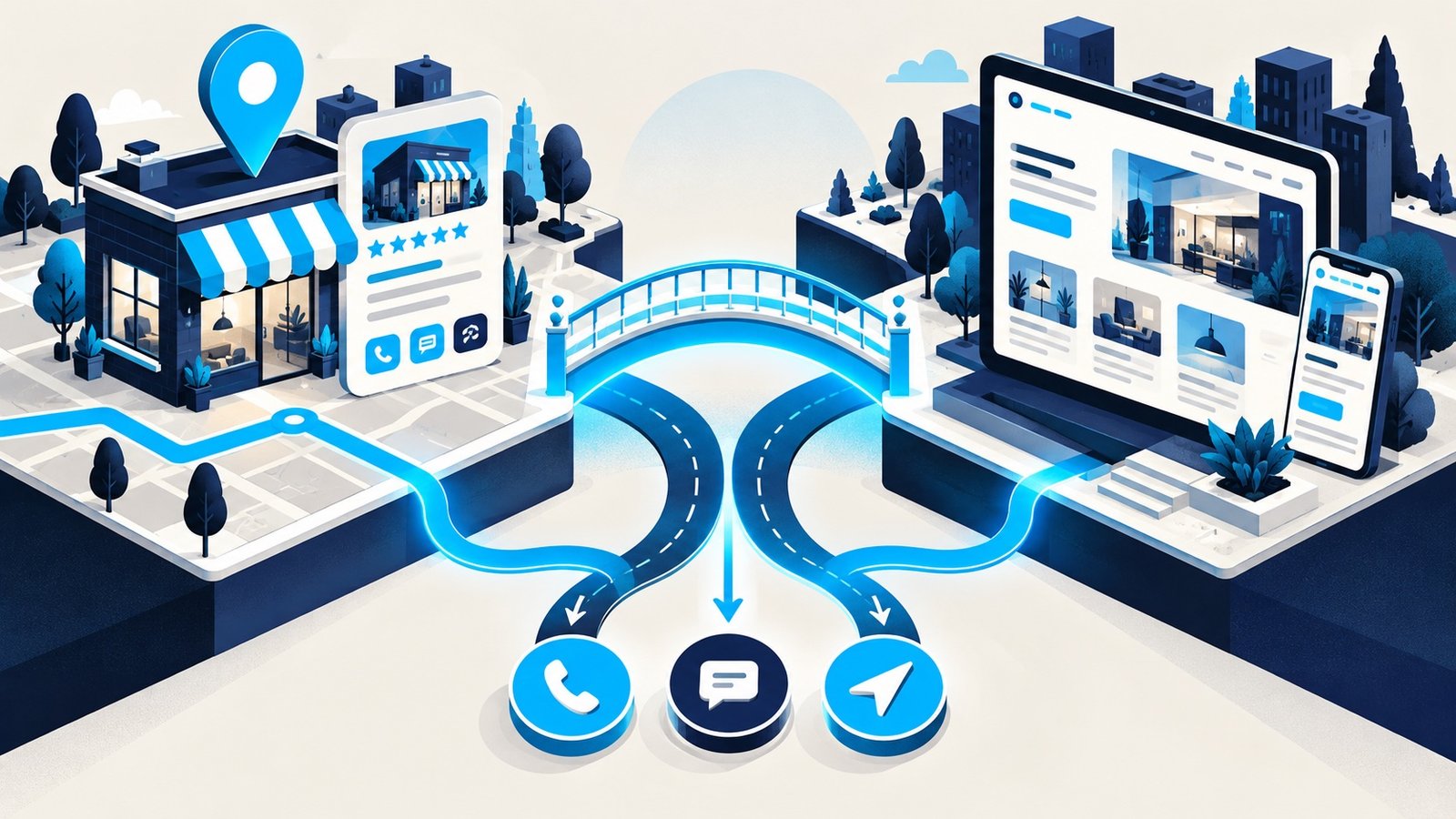
A Google Business Profile and a business website can both appear when someone searches locally, but they are not substitutes. Your profile helps people discover and evaluate the business inside Google. Your website gives you the space and control to explain services, earn trust, and turn interest into an inquiry.
The strongest local presence uses both—and keeps their information aligned. Here is how each channel works, where each one is limited, and how to connect them into a clearer customer journey.
Google Business Profile vs. website: the short answer
| Google Business Profile | Business website |
|---|---|
| Helps visibility in Google Search and Maps | Can rank for detailed service, location, and question-based searches |
| Shows essential facts, reviews, photos, and actions | Explains services, process, proof, pricing context, and differences |
| Uses a standardized Google-controlled layout | Gives you control over brand, content, experience, and conversion paths |
| Excellent for quick local decisions | Better for research, comparison, and complex decisions |
If you have to prioritize, claim and complete the profile immediately because it is free and important for local discovery. But do not treat it as your entire online presence.
What a Google Business Profile does well
A verified profile can display your name, category, service area or address, hours, phone number, website link, photos, services, updates, and customer reviews. It gives searchers quick ways to call, visit the website, request directions, or evaluate the business.
Google says local results are mainly based on relevance, distance, and prominence. Complete and accurate business information helps Google understand the business, while reviews, links, and broader recognition can contribute to prominence. There is no legitimate way to pay Google for a better organic local ranking.
Source: Google Business Profile Help: tips to improve local ranking.
What your website adds
A profile summarizes the business. A website can answer the questions behind the click:
- Do you provide the exact service I need?
- Do you serve my neighborhood or type of property?
- What does your process look like?
- Why should I trust your team?
- What affects price and timing?
- What should I do next?
Your website can support dedicated service pages, location information, project examples, detailed FAQs, lead forms, analytics, and content for searches that do not trigger a map result. Google also says publicly available information, including crawled content from an official website, may be used as a source for Business Profile information.
Source: Google Business Profile Help: how Google sources business information.
How the profile and website reinforce each other
1. Consistent business information builds clarity
Use the same real-world business name, phone number, address or service-area details, hours, and website destination wherever customers encounter you. Consistency reduces confusion and makes updates easier to manage.
2. The profile earns the click; the page completes the decision
Link the profile to the most useful page for the business, usually the homepage or a well-structured location page. That page should confirm the service and area immediately, show proof, and offer an obvious call or form action.
3. Website content expands the searches you can answer
Create useful pages for core services and genuine locations, plus articles that answer customer questions. Avoid mass-producing near-identical city pages. Each page should provide information that is genuinely specific and valuable.
4. Reviews and on-site proof reduce different kinds of doubt
Profile reviews offer third-party social proof. Your website can add project context, before-and-after examples, process explanations, guarantees, qualifications, and testimonials placed near relevant services. Do not mark up self-controlled business testimonials as review schema in an attempt to earn stars; Google does not show self-serving review snippets for LocalBusiness or Organization pages.
5. Structured data makes business details machine-readable
Appropriate LocalBusiness structured data can identify details such as business name, address, hours, telephone, and URL. It must accurately match visible information and follow Google’s structured-data guidelines. Validate it before launch and monitor Search Console for issues.
Source: Google Search Central: LocalBusiness structured data.
A practical setup checklist
- Claim and verify the correct Google Business Profile.
- Select the most accurate primary category and only relevant secondary categories.
- Complete hours, phone, address or service area, services, and business description.
- Add current, authentic photos and continue earning reviews without incentives that violate platform rules.
- Link to a fast, mobile-friendly website page that immediately confirms the business and location.
- Create substantial pages for each core service.
- Keep contact and location details consistent across the website and profile.
- Add accurate LocalBusiness structured data when appropriate.
- Connect Search Console and analytics, then track website clicks, calls, directions, and form completions.
- Review the profile and website whenever services, hours, or contact details change.
For a broader action plan, use our 12-step local SEO checklist for small businesses.
Common mistakes to avoid
- Using different phone numbers or outdated hours: customers lose confidence when information conflicts.
- Linking every location to the homepage: a relevant location page may better confirm local details when it contains unique, useful information.
- Stuffing the business name with keywords: use the genuine real-world name and follow profile guidelines.
- Creating thin location pages: swapping city names into duplicate copy does not create local value.
- Relying on the profile alone: platform layouts and features can change, and the profile cannot fully explain a complex service.
- Ignoring the website after launch: broken forms, outdated services, and slow pages waste the interest the profile creates.
Frequently asked questions
Do I need a website if I have a Google Business Profile?
A profile can create visibility and inquiries on its own, but a website gives customers deeper information and gives your business more control over content, brand, analytics, and conversion. Most serious local businesses benefit from both.
Does adding a website improve Google Business Profile ranking?
Google does not promise a ranking increase simply because a profile has a website. A useful website can strengthen the overall presence by providing consistent business information, relevant service content, and signals such as links and prominence. Local results still depend on relevance, distance, and prominence.
Should a service-area business show its home address?
Follow Google’s current eligibility and address guidelines. If customers are not served at the address, the business may need to hide it and define a service area. The website should describe real service coverage without publishing private information.
How long does local SEO take?
Timelines vary with competition, location, site condition, and how established the business is. Early improvements can appear before durable growth. See our guide to a realistic small business SEO timeline.
Build one connected local presence
Do not make customers choose between an incomplete profile and a vague website. Use the profile to be discovered, the website to answer and persuade, and consistent information to connect the experience. WebInCave handles custom website design, search foundations, hosting, maintenance, and ongoing support in one plan. Tell us about your business and we will help map the right foundation.